Skip to content


What is a UPS
UPS, uninterruptible power supply, is a constant voltage and constant frequency uninterruptible power supply that contains an energy storage device and uses an inverter as its main component. It is mainly used to provide uninterrupted power supply to a single computer, computer network system, power tool batteries, flashlight battery, or other power electronic equipment.
When the mains power input is normal, the UPS uninterruptible power supply stabilizes the mains power and supplies it to the load. At this time, the UPS is an AC mains voltage stabilizer, and it also charges the internal battery.
When the mains power is interrupted (for example, an accidental power outage), the UPS immediately supplies 220V AC power to the load through the inverter conversion method from the internal battery, so that the load can maintain normal operation and protect the load software and hardware from damage. UPS equipment usually provides protection against both overvoltage and undervoltage.

Factors affecting UPS battery lifespan
1. Ambient temperature
If the ambient temperature is too high, the UPS battery will be overcharged and generate gas. If the ambient temperature is too low, the battery will be undercharged, which will affect the UPS battery lifespan.
Therefore, the ambient temperature is generally required to be around 25℃. In practical applications, UPS batteries should be charged within the range of 5℃ to 35℃. If the temperature is lower than 5℃ or higher than 35℃, the capacity of the battery will be greatly reduced and the UPS battery lifespan will be shortened.
2. Discharge depth
The deeper the battery is discharged, the fewer times it is cycled, so deep discharge should be prevented during use. UPS has a battery low-voltage protection function. Generally, when a single battery is discharged to about 10.5V, the UPS will automatically shut down.
However, if the UPS is discharged under light load or no load, it will also cause deep discharge of the battery. Depth of discharge refers to the percentage of the capacity that the user allows the battery to discharge when using the battery as a percentage of its standard capacity.
3. Battery charging and discharging current
For example, for a 100AH battery, C=100A. The optimal charging current for lead-acid maintenance-free batteries is about 0.1C, and the charging current cannot be greater than 0.3C. Charging current that is too large or too small will affect UPS battery lifespan.
The discharge current is generally required to be between 0.05C and 3C. The UPS can meet this requirement in normal use, but it must also prevent unexpected situations, such as battery short circuit.
4. Operating voltage
During the operation of the UPS, pay attention to monitoring the terminal voltage value of the battery pack, the float current value, the voltage value of each battery, the ground resistance and insulation status of the battery pack and DC bus.
5. Charging voltage
The UPS power battery is at backup working mode. It is in a charging state under normal circumstances and will only be discharged when there is a power outage. In order to extend the UPS battery lifespan, the UPS battery charger is generally controlled by a constant voltage and current limiting method.
After the battery is fully charged, it switches to a float charge state, and the float charge voltage of each cell is set to about 13.6V. If the charging voltage is too high, the battery will be overcharged, and conversely, the battery will be undercharged.

UPS battery maintenance tips
As mentioned above, there are many factors that affect the UPS battery lifespan. So how to maintain the UPS battery? How to extend the UPS battery lifespan?
● Maintain a suitable ambient temperature:
An important factor affecting UPS battery lifespan is the ambient temperature. Generally, the optimal ambient temperature required by battery manufacturers is between 20-25℃. Although the increase in temperature improves the battery’s discharge capacity, the cost greatly shortens the UPS battery lifespan.
According to battery test, once the ambient temperature exceeds 25℃, the UPS battery lifespan will be shortened by half for every 10℃ increase. If it cannot meet the specified environmental requirements, its service life will vary greatly.
In addition, the increase in ambient temperature will enhance the internal chemical activity of the battery, thereby generating a large amount of heat energy, promoting an increase in the ambient temperature. This vicious cycle will accelerate and shorten UPS battery lifespan.
● Regular charging and discharging:
The float voltage and discharge voltage in the UPS power supply have been adjusted to the rated value when manufactured, and the discharge current increases with the increase of the load. The load should be reasonably adjusted during use, such as controlling the number of electronic equipment units used, such as microcomputers.
Under normal circumstances, the load should not exceed 60% of the UPS rated load. Within this range, the battery will not be over-discharged. Because the UPS is connected to the mains for a long time, in an environment where the power supply quality is high and mains power outages rarely occur, the battery will be in a floating charge state for a long time.
Over time, the activity of the battery’s chemical energy and electrical energy will be reduced, and the aging will be accelerated, shortening the UPS battery lifespan. Therefore, it should generally be fully discharged every 2-3 months. The discharge time can be determined according to the battery capacity and load size. After a full load discharge is completed, recharge for more than 8 hours as required.
● Use the communication function:
Most large and medium-sized UPS have operable performance of communication with microcomputer and program control. Install the corresponding software on the computer, connect it to the UPS through the serial/parallel port, and run this program to communicate with the UPS using the computer.
It generally has functions such as information query, parameter setting, timing setting, automatic shutdown, and alarm. The mains input voltage can be obtained through information query, UPS output voltage, load utilization, battery capacity utilization, internal temperature, mains frequency and other information.
The basic characteristics of the UPS can be set through parameter settings: how long the battery can last, the alarm when battery used up. Through these intelligent operations, it is very convenient for the UPS to manage power and its battery usage.
● Replace the waste/bad batteries promptly:
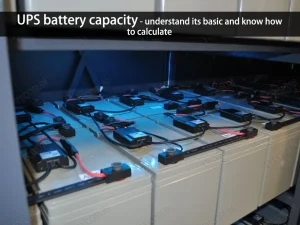
UPS is equipped with power supplies ranging from 3 to 80 batteries or even more. These individual batteries are connected through circuits to form a battery pack to meet the needs of the battery pack. UPS requires DC power supply.
During continuous operation and use of UPS, due to differences in performance and quality, the performance of individual batteries will reduce and the energy storage capacity may not meet the requirements.
Damage is inevitable. When a certain/part of the batteries in the battery pack is damaged, maintenance personnel should inspect and test each battery to eliminate damaged batteries. When replacing a new battery, try to buy the same model of the manufacturer. It is prohibited to use acid-proof batteries and sealed batteries of different specifications.
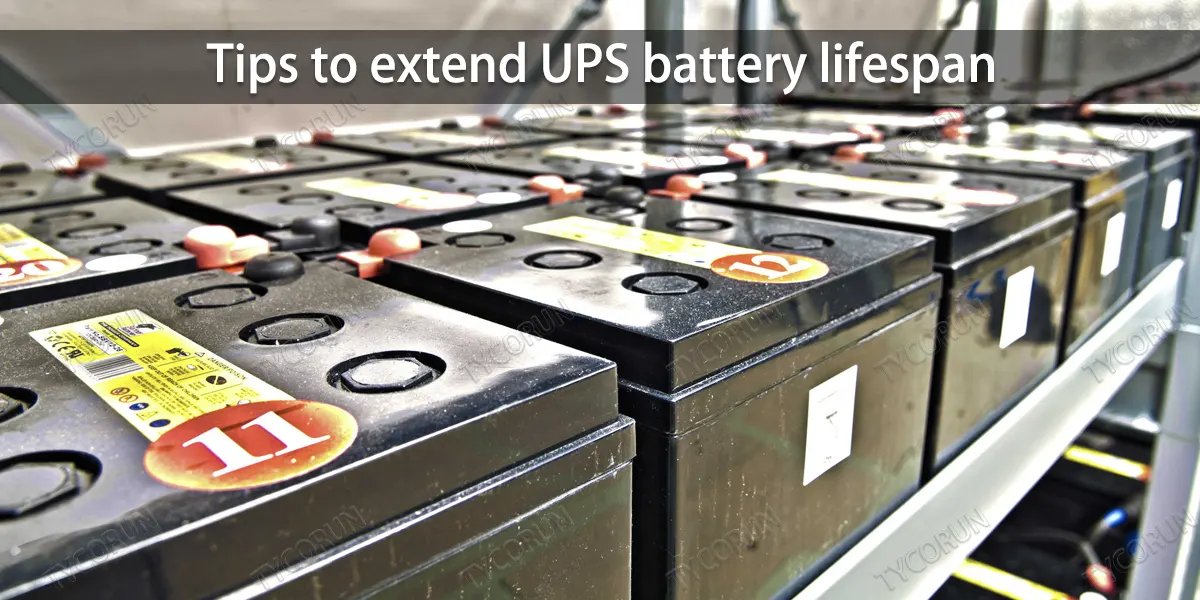
Tips to extend UPS battery lifespan
There are many ways to extend the UPS battery lifespan, and the main ones are related to the batteries inside. Here are some simple and easy tips.
1. The use of AC voltage regulator:
After using UPS, there is actually no need to add an AC voltage regulator. If it must be added, it should be added to the front stage of the UPS, that is, the mains power first passes through the AC voltage regulator, then through the UPS power supply, and then to the load.
2. Avoid overloading UPS power supply:
When using the UPS power supply, the size of the load must be calculated to avoid the load being too large or too small. An excessive load will cause the UPS power supply to work in an overload state for a long time and shorten the UPS battery lifespan. If the load is too small, the UPS working circuit works in an abnormal state for a long time, which is also harmful to the UPS power supply.
Reasonable load should be controlled between 50% and 80%. Practice has proven that the output load of UPS should be controlled at about 60%, which will lead to the best reliability. When the UPS power supply is overloaded or the inverter fails, it will switch to bypass mode. At this time, the UPS power supply does not have a backup function, and the power used by the load is directly supplied through the power system.
3. Try not to overload the operation:
Try to operate within a range lower than the rated power, because overload power operation will not only affect the life of the load product, but also the UPS battery lifespan. Under normal circumstances, the load capacity of online UPS should be controlled at 70% to 80%, while the load capacity of backup UPS should be controlled at 60% to 70%. Note that excessive underloading is not good either, although not as serious as overloading.
4. Do not use diesel generators:
The UPS should not be powered by a diesel generator because its frequency often changes suddenly and becomes unstable, which affects the normal operation of the UPS.
5. The startup and shutdown sequence when using UPS:
The correct startup and shutdown sequence should be to first turn on the UPS power supply to power it, and then turn on each load. It can avoid damage to the UPS caused by the instantaneous current surge during startup.
The shutdown sequence is exactly the opposite. Each load should be turned off first, and finally turn off the UPS. When the mains power is interrupted and the UPS supplies power, users should save the data and information as soon as possible and then shut down the computer. Otherwise, using the UPS power supply for work may cause excessive discharge of the UPS, thereby shortening UPS battery lifespan.

6. Tips for charging UPS battery for the first time
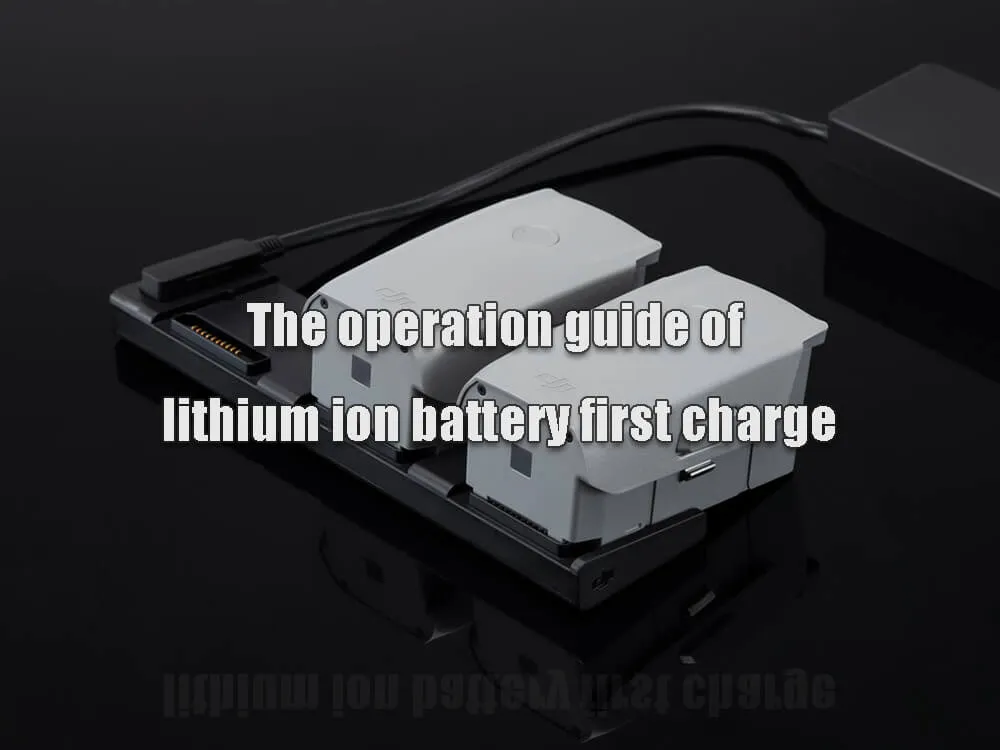
After purchasing a new UPS, plug the UPS into the 220V mains power grid and charge it for at least 12 hours to ensure that the battery is fully charged. Otherwise, the actual usable capacity of the battery will be much lower than the battery’s nominal capacity.
If the UPS power supply is not used for a long time, it should be turned on for 24 hours every 2 to 3 months to allow it to be fully charged, and the UPS power supply should be in the inverter working state for 2 to 3 minutes to ensure the normal life of the battery. Once the UPS power supply is connected to the mains, it will start charging the battery pack. Press the power button for more than 1 second to turn on the inverter.
7. The UPS power supply cannot be left idle for a long time:
Excessive discharge of the battery and long-term open circuit and idle use of the battery can increase the internal resistance of the battery and deteriorate the charge and discharge performance. For UPS that have been idle for a long time, before restarting the UPS, let the UPS power supply use the charging circuit in the machine to charge for 12 hours before connecting the load.
For backup UPS power supplies, it is best to put the UPS in the inverter every other month and work in this state for 2 to 3 minutes to activate the battery. In addition, it is also necessary to strictly control the charging current of the battery, not to exceed the maximum charging current of the battery. Because excessive charging current will shorten the UPS battery lifespan.
8. Battery management skills
When the battery in the UPS encounters the following conditions, the battery should be equalizing charged: excessive discharge causes the terminal voltage to be lower than the specified calibration voltage of the battery. For a 12V small sealed lead-acid battery, the discharge calibration voltage is 10.5V; for a 24V battery pack, the discharge end voltage is 21V; for a 96V UPS lithium battery, the discharge calibration voltage is 85V.
9. Carry out real-time monitoring:
At present, smart UPS power supplies usually have operable performance features such as communication with microcomputers and program control. Install the corresponding software on the microcomputer, connect the UPS power supply through the serial/parallel port, and run the program to communicate with the UPS power supply using the microcomputer.
Generally, it has functions such as information query, parameter setting, timing setting, automatic shutdown and alarm.
Then connect the UPS power supply to the computer through a dedicated serial port control cable, and then communicate through two protocols, RS232 and RS485, to realize the function of the UPS power supply having no mains input and automatically shutting down when the battery is low. And it can monitor multiple UPS power supplies connected to a serial port at the same time.

10. Reasonably choose the installation location of UPS battery
A good installation location is very important. The place where the UPS is placed must have good ventilation and should be kept away from water, flammable gases and corrosives. The ambient temperature should be kept between 0 and 40℃.
If it is disassembled and used at low temperatures, it may be damaged. Once the ambient temperature exceeds 25℃, the UPS battery lifespan will be shortened by half for every 10℃ of increase.
The UPS power supply should not be side lay, and the air inlet and outlet holes should be kept clear. When the load is connected to the UPS, the load must be turned off first, then connected, and then the loads must be turned on one by one. It is strictly prohibited to connect inductive loads such as electric machines and copy machines to the UPS power supply, to avoid causing harm.
When connecting the UPS power supply to a dedicated socket with an overcurrent protection device, the power socket used should be connected to the protective ground terminal. Regardless of whether the input power cord is plugged into the mains socket, the UPS power output may be charged. To make the UPS without output, the switch must be turned off first, and then cancel the mains power supply.
11. Install UPS correctly:
Since the output voltage and current of the UPS are relatively large, users must also pay attention to safety when connecting the output power supply to prevent electric shock accidents. When replacing the battery, first turn off the UPS power supply and disconnect it from the mains. Use a screwdriver with an insulated handle. Do not place tools or other metal objects on the battery.
When connecting the battery cables, it is normal for small sparks to appear at the connector and will not cause harm to personal safety or the UPS power supply. Never short-circuit or reverse the positive and negative poles of the battery.
When replacing the battery, it is not advisable to replace it individually, it is best to replace it as a whole. In addition, it is prohibited to combine batteries with different amperage and different brands.
12. Regular maintenance:
This is for the battery itself in the UPS power supply. As the core component of the UPS power supply, it should be carefully protected and maintained regularly. If there is no power outage in the local area for a long time, the power supply must be artificially interrupted regularly (every three months) to allow the UPS power supply to discharge with load.
Once the power is cut off, it can only provide a short delay or even no delay at all. The reason is that the UPS battery has been in float charge state for a long time.